SkierE Thank you for sharing the video!
There is a button in toolbar that switches fullscreen/window mode in view mode. It is on top left, next to the button you press to exit view mode. Once you press it, it will return to normal view again.
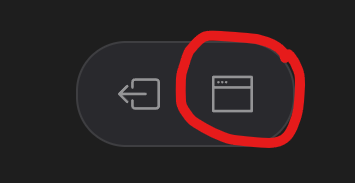
However, there seems to be some kind of bug there too. There is separate setting in the program for full screen in view mode and in normal mode. When you return from view mode that was full screen, you still should return to normal mode, unless you go full screen in normal mode too. In Windows 10 there was hot key for that, but for some reason it does not work in Windows 11. Or at least I can’t find it.
Anyway, once you return from full screen mode using that toolbar button, everything should go back to normal.